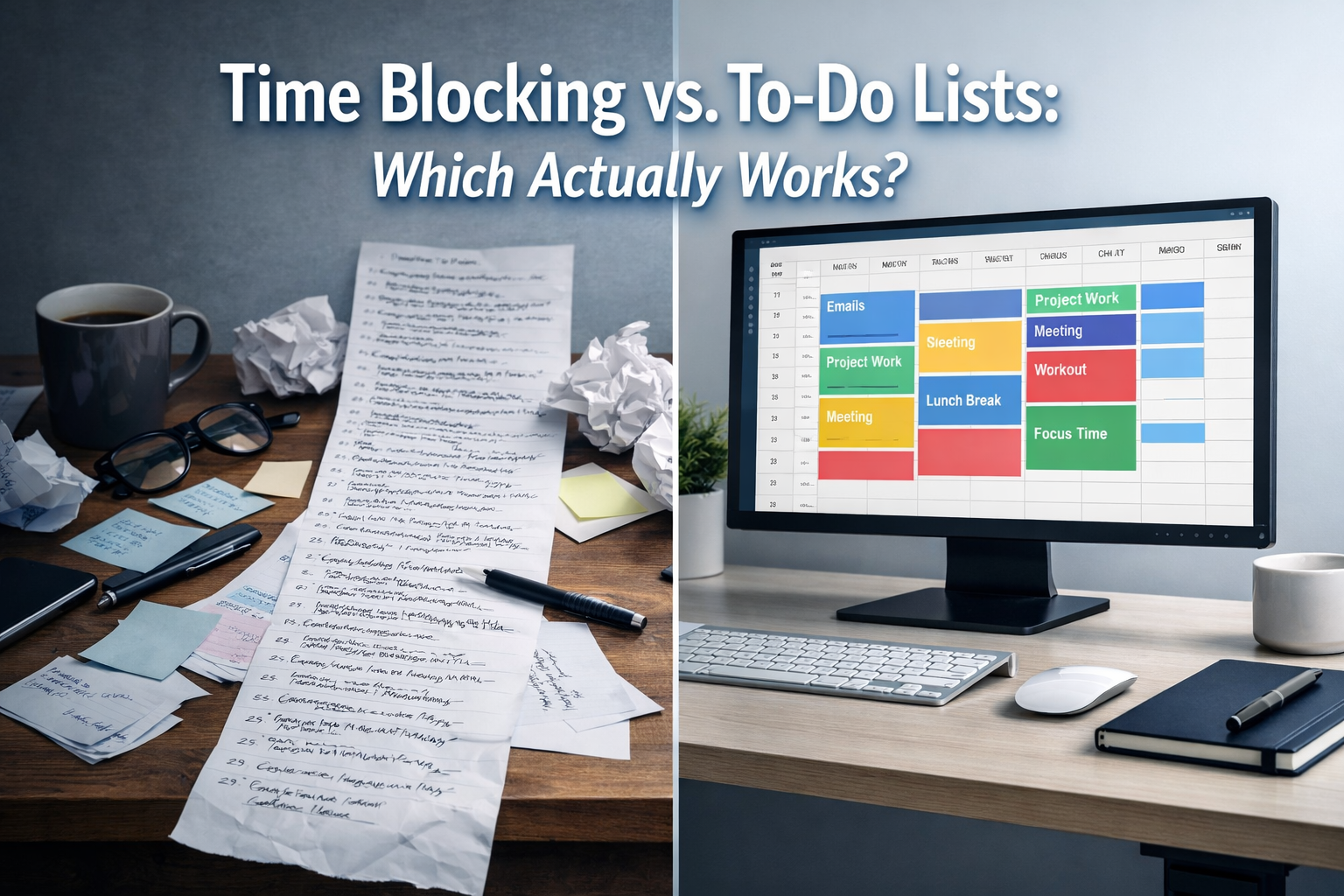

In the relentless pursuit of productivity, many individuals find themselves caught in a perpetual cycle of creating lengthy to-do lists, only to feel overwhelmed and discouraged as tasks remain unchecked. The allure of simply jotting down everything that needs to be done is strong, but often, these lists become a breeding ground for procrastination rather than a pathway to accomplishment. The critical question then arises: when it comes to managing your time and tasks effectively, Time Blocking vs. To-Do Lists: Which Actually Works? This article delves into the core philosophies behind both methods, dissecting their strengths, weaknesses, and ultimately, guiding you towards a more productive and less stressful approach to your daily responsibilities in 2026.
Key Takeaways
- To-Do Lists often foster procrastination: Without allocated time, tasks on a list can become daunting, leading to decision fatigue and avoidance.
- Time Blocking provides structure and focus: By assigning specific time slots to tasks, it reduces mental clutter and encourages deep work.
- Handling interruptions is crucial: Time blocking offers a framework for managing distractions more effectively, minimizing their impact on productivity.
- Digital tools enhance time blocking: Platforms like Google Calendar and Outlook Calendar provide powerful features for efficient scheduling and organization.
- Moving from "intent to action" is key: Time blocking transforms vague intentions into concrete, scheduled actions, driving consistent progress.
The Philosophy of "Giving Every Task a Home" on the Calendar
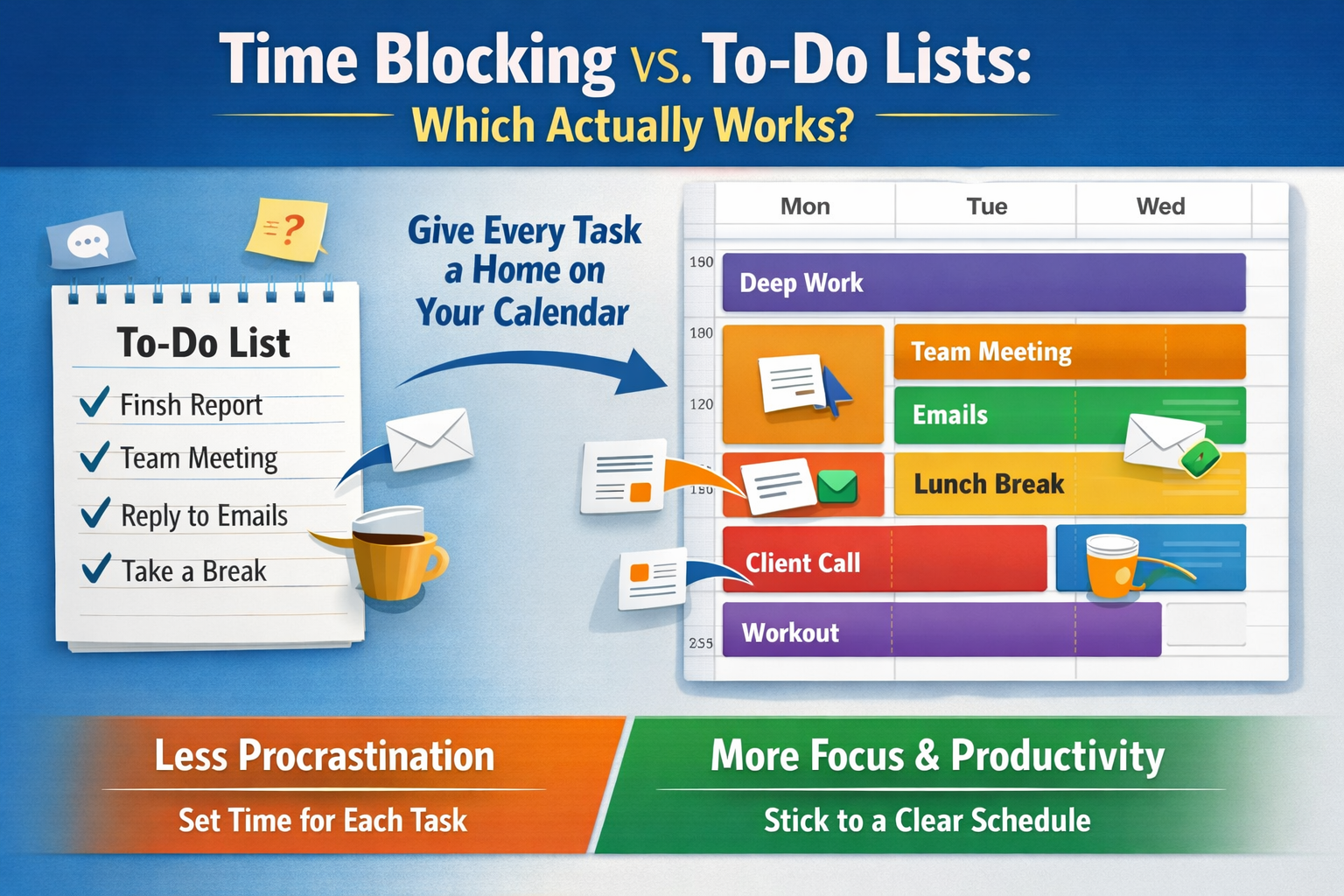
The fundamental difference between a simple to-do list and time blocking lies in a crucial concept: "giving every task a home." A to-do list, by its very nature, is a collection of intentions. It represents a wish list of activities that need to be completed, but it rarely provides the when or the how. This lack of structure can be paralyzing. Imagine a cluttered inbox; each email demands attention, but without a system for processing them, they pile up, creating mental overload. Similarly, a long to-do list, while a good starting point for capturing tasks, often fails to provide the necessary framework for execution.
Time blocking, on the other hand, shifts the paradigm from a mere list of intentions to a concrete schedule of actions. It's about proactively carving out dedicated blocks of time in your calendar for specific tasks or categories of work. This means that instead of just writing "Work on Project Alpha," you would allocate "Project Alpha Deep Work" from 9:00 AM to 11:00 AM on Tuesday. This act of scheduling transforms a vague aspiration into a firm commitment, treating your time like a valuable, finite resource.
Consider the psychological benefits of this approach. When a task has a designated slot on your calendar, the cognitive load associated with deciding when to do it is significantly reduced. This frees up mental energy that would otherwise be spent deliberating or worrying about unfinished tasks. It fosters a sense of control and purpose, allowing you to approach each block with clarity and focus. This method is particularly effective for large, complex projects, such as preparing an application for 25,000 Undergraduate Scholarships in Australia or diligently working on your PhD thesis for one of the 45,000 PhD Scholarships in Australia 2026. Breaking down these significant undertakings into manageable, scheduled blocks can prevent overwhelm and ensure consistent progress.
A helpful analogy is that of a train schedule. A to-do list is like a list of destinations you want to visit, but time blocking is like having a meticulously planned train itinerary, complete with departure and arrival times for each stop. You know exactly when and where you're supposed to be.
Why To-Do Lists Often Fall Short:
- Lack of time allocation: Tasks exist in a void, without specific time commitments.
- Overwhelm and decision fatigue: A long list can be daunting, leading to procrastination as you struggle to decide where to start.
- Underestimation of task duration: It's easy to list tasks without considering how long each will genuinely take.
- Vagueness: Many list items are too general, lacking the detail needed for immediate action.
- No accountability: Without a scheduled slot, it's easier to defer or skip tasks without immediate consequence.
The Power of Time Blocking:
- Reduces procrastination: Specific time slots compel action.
- Enhances focus: Dedicated blocks for "deep work" minimize multitasking and distractions.
- Improves time estimation: Forces you to consider the actual duration of tasks.
- Creates boundaries: Helps protect your time from others' demands and overcommitment.
- Builds momentum: Checking off a completed time block provides a powerful sense of accomplishment.
"A to-do list tells you what you want to do. A time-blocked calendar tells you when you're going to do it, turning intention into commitment."
The philosophy of "giving every task a home" is about intentionality. It's about taking control of your day, rather than letting your day control you. It ensures that critical tasks, whether it's focused work, strategic planning, or even personal development, receive the dedicated attention they deserve.
Handling Interruptions When Your Time is Blocked
One of the most common challenges people face, regardless of their productivity system, is the inevitable interruption. In an interconnected world, calls, emails, instant messages, and impromptu requests are a constant barrage. When you've meticulously scheduled your day using time blocking, these interruptions can feel particularly disruptive, threatening to derail your carefully laid plans. However, time blocking actually provides a robust framework for managing these disruptions more effectively than a traditional to-do list.
With a to-do list, an interruption often means you simply drop what you're doing, address the new demand, and then try to remember where you left off. This leads to fragmented work, context switching costs, and tasks that sprawl across the day. With time blocking, you have a clear, pre-defined structure that helps you make conscious decisions about how to respond.
Strategies for Managing Interruptions:
- Batching Communication: Schedule specific blocks for checking and responding to emails and messages. Outside of these blocks, notifications can be turned off or minimized. This prevents your workflow from being constantly broken by new inputs. For example, if you're exploring 60,000 STEM Scholarships in the USA 2026 and require focused research time, dedicate a specific block for it and then switch to communication later.
- Creating "Buffer" Blocks: It's unrealistic to expect every time block to proceed without a hitch. Incorporate small buffer blocks (10-15 minutes) between larger tasks. These can be used to handle minor, urgent interruptions, take a quick break, or mentally transition to the next task.
- The "No" Muscle: Time blocking empowers you to say "no" or "not now" more confidently. When someone asks for an impromptu meeting or a quick favor, you can genuinely respond, "I'm in a focused work block right now, but I have time at [mention your next communication block or buffer time]." This respects your schedule and communicates your boundaries.
- Flexible vs. Fixed Blocks: Not all time blocks are created equal. Some, like client meetings or crucial deadlines, are fixed and non-negotiable. Others, like administrative tasks or creative brainstorming, might be more flexible. Understand which blocks can be shifted if a truly urgent interruption arises, and which cannot.
- Designated "Interruption" Blocks: For roles with a high volume of expected interruptions, consider creating a specific "Open Office Hours" or "Interruption Management" block in your day. During this time, you are available to address quick questions or minor issues, protecting your other deep work blocks. This approach is beneficial for managers or individuals in support roles where constant interaction is part of the job, for example, overseeing a team of caregivers in Canada with visa sponsorship where ad-hoc questions are common.
- Using "Do Not Disturb" Modes: Leverage technology. Most operating systems and communication apps have "Do Not Disturb" modes that can be activated during your focused time blocks. Inform your colleagues or team beforehand that you'll be unavailable during specific periods to manage expectations.
Managing interruptions is less about eliminating them entirely and more about controlling your response to them. When your time is blocked, you have a clear understanding of your priorities and commitments. This clarity allows you to make informed decisions about whether an interruption warrants immediate attention or if it can be addressed later, protecting your valuable focus time. This structured approach truly highlights which actually works better: Time Blocking vs. To-Do Lists. While a to-do list might make you aware of your tasks, time blocking gives you the strategy to accomplish them despite the daily chaos.
Tools for Time Blocking (Google Calendar vs. Outlook)
In 2026, the digital landscape offers an abundance of tools to facilitate time blocking, making it easier than ever to implement this productivity method. While various dedicated apps exist, the most universally accessible and widely used platforms for time blocking are often the calendar functions integrated into popular email services: Google Calendar and Outlook Calendar. Both offer robust features that can be leveraged to transform your schedule from a reactive jumble into a proactive blueprint for success.
Google Calendar
Google Calendar is renowned for its simplicity, vibrant interface, and seamless integration with the wider Google ecosystem. It's a favorite among individuals and teams who prioritize ease of use and accessibility.
Key Features for Time Blocking:
- Color-Coding: Assign different colors to different types of tasks (e.g., green for deep work, blue for meetings, yellow for personal time). This provides a quick visual overview of your day and helps you instantly identify how your time is being spent.
- Event Creation: Creating new time blocks is intuitive. Simply click and drag on your desired time slot, give it a title (e.g., "Project X – Report Writing"), set the duration, and add details or links if needed.
- Recurring Events: For routine tasks (e.g., daily email check, weekly planning session), set up recurring events to automatically block out that time, saving you the effort of recreating them.
- Goals Feature: Google Calendar's "Goals" feature can intelligently find time in your schedule for personal objectives, like "exercise 3 times a week," and adjust if your schedule changes. While not strict time blocking, it supports the principle.
- Reminders and Notifications: Set alerts to notify you before a time block begins, helping you transition smoothly between tasks.
- Mobile Accessibility: Syncs across all devices, allowing you to manage your schedule on the go, which is essential for busy professionals, perhaps those coordinating 62,000 Truck Driver Jobs with Visa Sponsorship in Canada or managing global teams.
- Sharing and Collaboration: Easily share calendars with colleagues, family, or team members, making coordination for meetings or collaborative projects straightforward. This is particularly useful for project managers or team leaders in the construction sector, coordinating 70,000 Urgent Construction Jobs in Australia with Free Visa Sponsorship or other high-demand industries.
Outlook Calendar
Outlook Calendar, a cornerstone of Microsoft's productivity suite, is a powerhouse for business professionals, offering deep integration with email, contacts, and tasks. It's especially popular in corporate environments.
Key Features for Time Blocking:
- Detailed Event Customization: Outlook allows for highly detailed event creation, including options for categories (which can act like color-coding), recurrence patterns, attendees, and location.
- Task Integration: Seamlessly integrate tasks created in Microsoft To Do or Outlook Tasks directly into your calendar. You can drag and drop tasks onto your calendar to create time blocks for their completion.
- Busy/Free Status: When creating time blocks, you can set your status (e.g., "Busy," "Tentative," "Out of Office"), which is visible to others in your organization, helping to protect your focused time.
- Meeting Scheduling Assistant: For collaborative work, the scheduling assistant helps find optimal times for meetings by showing attendees' availability, making it easier to block out meeting times that work for everyone without extensive back-and-forth.
- Work Hours Feature: Define your regular working hours to prevent unintended scheduling outside of your availability.
- Email-to-Calendar Functionality: Easily convert emails into calendar appointments, blocking out time to address specific communications or action items that require dedicated focus.
- Journaling: Though less directly related to time blocking, Outlook's Journal feature can be used to track time spent on specific activities, offering insights into actual time usage versus planned time.
Which One to Choose?
The choice between Google Calendar and Outlook Calendar for time blocking often comes down to your existing ecosystem and personal preference.
- Choose Google Calendar if: You prefer a cleaner, more intuitive interface, primarily use Google services, value mobile accessibility, and work in a less formal or highly collaborative environment.
- Choose Outlook Calendar if: You are deeply integrated into the Microsoft ecosystem (Outlook email, Teams, SharePoint), require robust task management integration, need advanced meeting scheduling features, and work in a corporate setting.
Regardless of the tool, the underlying principle of time blocking remains the same: dedicate specific, uninterrupted periods to your most important tasks. Both Google Calendar and Outlook Calendar provide the necessary functionality to implement this powerful productivity strategy effectively in 2026. The true power of Time Blocking vs. To-Do Lists: Which Actually Works? becomes evident when you apply these digital tools to transform your intentions into actionable, scheduled segments of your day.
Conclusion: Moving from "Intent" to "Action"
The age-old debate of Time Blocking vs. To-Do Lists: Which Actually Works? ultimately leans heavily in favor of time blocking for those seeking sustained productivity and reduced stress. While to-do lists serve as excellent capture tools for ideas and tasks, they often fall short in translating those intentions into concrete actions. They present a static overview of what needs to be done, but critically lack the dynamic element of when and how long each task will take. This inherent vagueness can lead to decision fatigue, procrastination, and the nagging feeling that you're constantly behind.
Time blocking, conversely, is a proactive and intentional method that forces you to confront the reality of your time. By "giving every task a home" on your calendar, you are essentially making a firm commitment to yourself and your priorities. This commitment reduces mental clutter, sharpens focus, and transforms abstract desires into tangible appointments. It acknowledges that your time is a finite and valuable resource, demanding strategic allocation rather than passive listing.
The effectiveness of time blocking is further amplified by the smart integration of digital tools like Google Calendar and Outlook. These platforms provide the visual, organizational, and collaborative features necessary to create, manage, and protect your scheduled blocks of focused work. Moreover, time blocking equips individuals with a more structured approach to handling the inevitable interruptions of modern life, enabling conscious decisions about managing distractions rather than simply reacting to them.
Actionable Next Steps:
- Audit Your Time: For one week, track exactly how you spend your time. This will reveal where your time actually goes versus where you think it goes.
- Identify Your Priorities: Before you block, determine your top 3-5 critical tasks or projects for the upcoming week.
- Start Small: Don't try to block every single minute initially. Begin by blocking 2-3 hours of "deep work" each day for your most important tasks.
- Batch Similar Tasks: Group activities like email, phone calls, and administrative work into dedicated blocks to minimize context switching.
- Schedule Breaks: Include short, restorative breaks in your time-blocked schedule. This prevents burnout and maintains focus.
- Review and Adjust: At the end of each day or week, review your time blocks. What worked? What didn't? Adjust your approach for the next day/week. Flexibility is key; your time block is a guide, not a rigid prison.
- Explore Digital Tools: If you haven't already, dive into the features of Google Calendar or Outlook Calendar to see how they can support your time blocking efforts.
By transitioning from a purely list-based approach to a structured, time-blocked calendar, you are not just organizing tasks; you are mastering your most precious asset – your time. In 2026, embracing time blocking means moving beyond mere intent and consistently stepping into decisive, productive action.