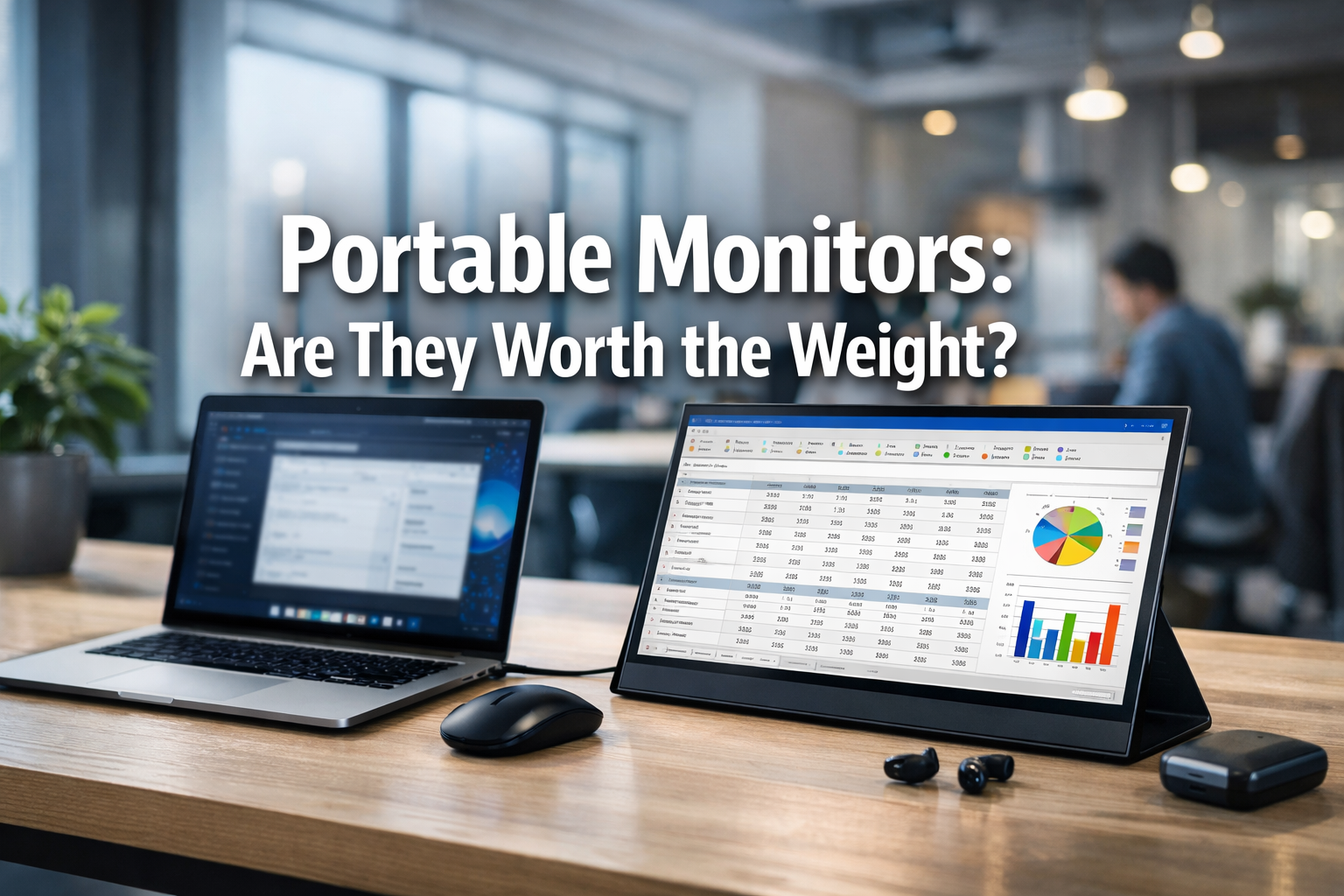

In an increasingly mobile world, the desire for a seamless, productive workspace often clashes with the reality of carrying multiple devices. For many professionals, designers, students, and digital nomads, the efficiency gained from a dual-screen setup is indispensable. But what happens when you leave the comfort of your home or office? The answer for many has been a portable monitor, a device promising the convenience of an extra screen on the go. But are these lightweight marvels truly a game-changer, or do they add unnecessary bulk and complexity to your travel setup? This article delves deep into the utility, practicality, and overall value of portable monitors, helping you decide: Are They Worth the Weight? in your everyday carry.
🌟 Key Takeaways
- **Enhanced Productivity:** Portable monitors significantly boost multitasking capabilities, mimicking a desktop setup anywhere.
- **USB-C Convenience:** Modern portable monitors often feature single-cable USB-C connectivity for both power and video, simplifying setup.
- **Tablet Alternatives:** iPads and Android tablets can serve as viable second screens using apps like Sidecar or Duet Display, potentially saving on additional hardware.
- **Practicality vs. Portability:** While offering immense utility, the added weight and setup time of a portable monitor must be weighed against its benefits in specific real-world scenarios.
- **Target Audience:** They are most beneficial for professionals, creators, and students who frequently need expanded screen real estate outside a traditional office.
USB-C Monitors: One Cable for Power and Video
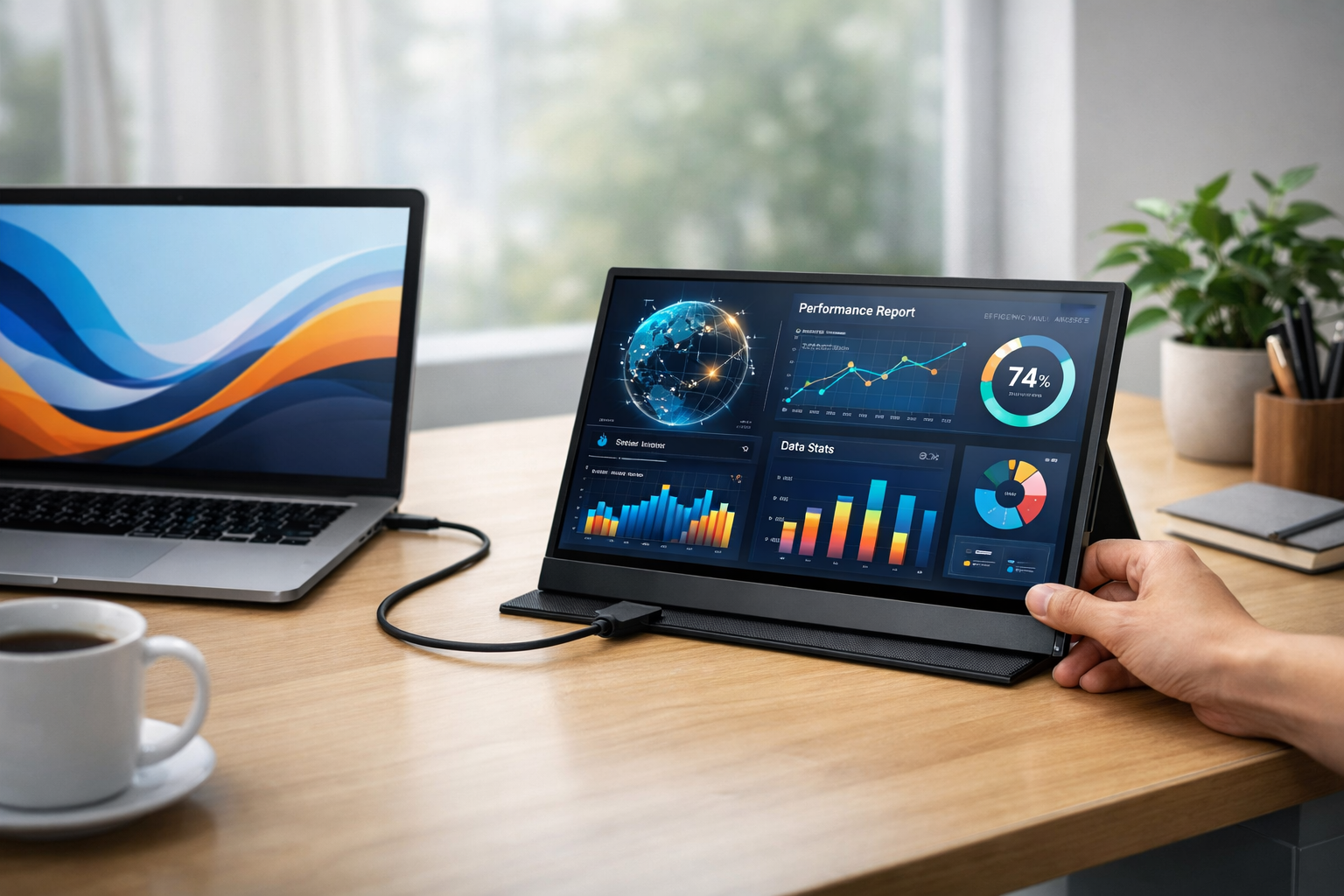
The evolution of portable monitors has been largely driven by advancements in connectivity, particularly the widespread adoption of USB-C. Gone are the days of fumbling with separate cables for power and video, often requiring multiple adapters and a chaotic desk setup. Today, many high-quality portable monitors leverage a single USB-C cable to deliver both power and display signals from a compatible laptop, smartphone, or tablet. This streamlined approach makes the "grab-and-go" experience genuinely convenient.
The Magic of USB-C Connectivity
USB-C's versatility is a game-changer for portable devices. Its ability to support DisplayPort Alternate Mode (Alt Mode) means it can transmit video signals, while its Power Delivery (PD) capabilities allow it to charge devices simultaneously. For users, this translates into:
- Simplified Setup: Plug in one cable, and you're ready to extend your display. No more searching for power outlets or dealing with bulky power bricks. This convenience is a strong point when considering if portable monitors are worth the weight.
- Reduced Clutter: A single cable drastically cleans up your workspace, whether you're at a coffee shop, an airport lounge, or a temporary desk.
- Universal Compatibility: Most modern laptops, including MacBooks, Windows ultrabooks, and even many Android phones, feature USB-C ports with full Alt Mode and PD support, making these monitors highly compatible.
However, it's crucial to check your device's USB-C port specifications. Not all USB-C ports are created equal. Some may only support data transfer or charging, not video output. Always verify that your laptop's USB-C port supports "DisplayPort Alt Mode" or "Thunderbolt 3/4" for full compatibility.
Types of USB-C Portable Monitors
When evaluating portable monitors, several factors come into play:
- Screen Size: Ranging from compact 13-inch models to expansive 17-inch displays, choose one that balances screen real estate with portability.
- Resolution: 1080p (Full HD) is standard, offering a good balance of clarity and performance. Some premium models offer 4K, but these often demand more power and come at a higher cost.
- Panel Type: IPS panels are common, offering wide viewing angles and good color accuracy, which is essential for design work or presentations.
- Touchscreen Capability: Some models include touch functionality, enhancing interactivity, especially when paired with Windows 10/11 or Android devices.
- Built-in Battery: While most draw power from the host device via USB-C, some portable monitors include an internal battery, offering even greater flexibility and reducing the drain on your laptop's battery. This can be particularly useful for long work sessions away from power outlets, addressing a core concern about the utility of portable monitors: are they worth the weight?
"The shift to USB-C has democratized the dual-screen experience, making it accessible and genuinely portable. It's no longer a niche luxury but a practical tool for modern professionals."
For those considering a career change or seeking opportunities abroad that might benefit from a mobile office setup, exploring options like 26200 Care Home Jobs in UK with Sponsorship or 70000 Urgent Construction Jobs in Australia with Free Visa Sponsorship might be relevant, where maximizing productivity on the go could be key.
Using an iPad/Tablet as a Second Screen (Sidecar/Duet Display)
Before investing in a dedicated portable monitor, it's worth considering a device you might already own: your tablet. For many, an iPad or an Android tablet can seamlessly transform into a secondary display, offering a surprisingly effective and often more cost-efficient solution. This approach directly addresses the "worth the weight" question by leveraging existing hardware.
Apple Sidecar: The Seamless Experience
For Apple users, Sidecar is a standout feature introduced with macOS Catalina (and iOS 13). It allows an iPad to extend or mirror your Mac's display wirelessly or via a wired connection.
Key Features of Sidecar:
- Wireless Convenience: Connect without cables, offering incredible flexibility in placement.
- Low Latency: The connection is remarkably stable and responsive, making it suitable for tasks requiring precision, such as drawing with an Apple Pencil.
- Apple Pencil Support: Transform your iPad into a drawing tablet for apps like Photoshop or Illustrator.
- Touch Bar and Keyboard Integration: Certain features like the macOS Touch Bar can appear on your iPad screen, and you can use your Mac's keyboard and trackpad/mouse across both displays.
Sidecar works best with relatively recent Macs and iPads, ensuring optimal performance. It's an elegant solution for those already entrenched in the Apple ecosystem, effectively turning an existing device into a portable monitor without additional investment in hardware, therefore reducing the overall "weight" in terms of both physical burden and financial outlay.
Duet Display: Cross-Platform Versatility
For users who operate across different operating systems or have older devices, apps like Duet Display offer a compelling alternative. Duet Display allows you to use your iPad or Android tablet as a second screen for Windows, macOS, and even ChromeOS devices.
Benefits of Duet Display:
- Cross-Platform Compatibility: A major advantage for mixed-OS environments.
- Wired or Wireless: Offers both wired (for lower latency and charging) and wireless connectivity options.
- Touchscreen Support: Enables touch input on the tablet for your computer.
- Performance: Generally offers good performance, though latency can vary based on device specifications and connection quality.
While Duet Display is a paid application, its one-time purchase often pales in comparison to the cost of a new portable monitor. It maximizes the utility of existing hardware, which is a significant factor in deciding if investing in dedicated portable monitors is worth the weight.
Pros and Cons of Using a Tablet as a Second Screen
| Feature | Tablet as Second Screen | Dedicated Portable Monitor |
|---|---|---|
| Cost | Potentially free (if you own one) or cost of an app | Purchase price of a new device |
| Weight/Portability | No additional weight; uses existing device | Adds an extra item to carry |
| Setup | Software-dependent; potentially wireless (Sidecar) or wired | Plug-and-play via USB-C (usually) |
| Performance | Excellent (Sidecar); good (Duet Display, varies) | Generally very good, purpose-built for display |
| Battery Life | Drains tablet battery; can be charged simultaneously (wired) | Draws power from laptop or internal battery (if equipped) |
| Screen Quality | High-quality tablet screens (often better than budget monitors) | Varies by model, from basic to premium |
| Multi-Purpose | Still functions as a tablet | Single-purpose (display) |
For students looking for flexible study solutions, using a tablet as a second screen can be an invaluable asset, especially when juggling coursework. This could be particularly relevant for those exploring opportunities like 25000 Undergraduate Scholarships in Australia or 50000 Fully Funded Masters Scholarships in Canada 2026 Intake, where mobility and efficient study setups are crucial.
Real-world usage: Is it too clunky for a coffee shop?
The allure of a dual-screen setup in a bustling coffee shop or a crowded airport lounge is strong. Imagine seamlessly switching between your primary work window and reference materials on a secondary display, maintaining peak productivity no matter where you are. But the romantic ideal often collides with the gritty reality of limited table space, power outlets, and the sheer logistics of carrying and setting up extra gear. This is where the core question, Portable Monitors: Are They Worth the Weight? truly gets tested.
The Coffee Shop Conundrum ☕
Consider a typical coffee shop scenario:
- Limited Space: Most café tables are designed for a laptop and a coffee cup, not a full-blown dual-monitor setup. Spreading out can quickly become an imposition on others and a challenge for your own comfort.
- Power Access: While USB-C monitors simplify cabling, they still draw power. If your laptop isn't fully charged or the monitor doesn't have its own battery, finding an available power outlet becomes critical.
- Stability: The slim stands that often come with portable monitors, while lightweight, can sometimes be less stable than a traditional desktop monitor stand. A bumped table could send your precious gear tumbling.
- Attention: Setting up an elaborate workspace in public can draw unwanted attention, which some users might prefer to avoid.
Despite these challenges, many successfully use portable monitors in such environments. The key lies in strategic planning and choosing the right gear. A slim, lightweight 13-14 inch monitor is far less intrusive than a larger 17-inch model. Furthermore, some models come with integrated covers that double as sturdy stands, improving stability.
Travel and Commuting: Balancing Burden and Benefit ✈️🚃
For frequent travelers or daily commuters, every ounce and every minute saved on setup counts.
- Airport Lounges & Hotel Rooms: These environments often offer more space and power outlets than a coffee shop, making them ideal for setting up a portable monitor. Being able to continue a complex workflow in a hotel room can be a significant productivity boost.
- Backpack Real Estate: A portable monitor adds another item to your bag. While many are slim, they still occupy space that could be used for other essentials. You need to weigh the value of the extra screen against the increased bulk.
- Security Checkpoints: Another electronic device means another item to potentially remove from your bag at airport security. Small inconveniences add up.
"For tasks requiring intense focus and multiple open applications, the productivity gain from a portable monitor far outweighs the minor hassle of setting it up. It's about optimizing your mobile workspace for specific needs."
Ultimately, the decision of whether a portable monitor is too clunky for a coffee shop or travel depends on your personal tolerance for extra gear and the specific demands of your work. For a quick email check or casual browsing, it's overkill. For deep work, coding, design, or extensive data analysis, it can be a lifesaver. This adaptability is critical for roles requiring constant mobility, such as those discussed in articles like 62000 Truck Driver Jobs with Visa Sponsorship in Canada or 60000 Hotel Jobs with Visa Sponsorship in the UAE, where maximizing efficiency during downtime or in temporary offices can be very beneficial.
Conclusion: Who strictly needs this gear?
Having explored the technical advancements, alternative solutions, and real-world practicalities, it's clear that the question of "Portable Monitors: Are They Worth the Weight?" doesn't have a universal 'yes' or 'no' answer. Instead, it hinges on individual needs, work habits, and the specific demands of a person's lifestyle and profession in 2026.
Who will find portable monitors indispensable?
- Digital Nomads and Remote Workers: For those whose "office" changes daily, a portable monitor can be the anchor that provides a consistent, productive workspace. Designers, developers, writers, and analysts who rely on multiple windows for research, coding, or visual comparisons will find the investment invaluable.
- Students and Researchers: Juggling research papers, lecture notes, and assignment documents on a single laptop screen can be incredibly inefficient. A portable monitor allows for easy cross-referencing and multitasking, making study sessions more effective.
- Presenters and Educators: While not always the primary use, a portable monitor can serve as an excellent confidence monitor during presentations or allow for easier interaction with students while presenting content from a laptop.
- Content Creators (Photographers, Videographers): For on-location work, reviewing footage or images on a larger, more color-accurate screen than a laptop can be crucial.
- Gamers on the Go: Some portable monitors boast high refresh rates and low response times, making them appealing to gamers who want to enjoy their console or PC games with a larger display while traveling.
Who might consider alternatives or skip it entirely?
- Casual Users: If your primary mobile tasks involve basic browsing, email, and social media, the added weight and cost of a portable monitor are likely unnecessary.
- Users with Limited Budgets: A good quality portable monitor can range from $150 to $400+. For those on a tight budget, leveraging an existing tablet (as discussed) or simply adapting to a single screen might be more pragmatic.
- Minimalists: Individuals who prioritize carrying the absolute bare minimum will find the extra item a burden, regardless of its utility.
In 2026, the technology behind portable monitors has matured significantly, offering excellent display quality, seamless USB-C connectivity, and increasing durability. The core decision remains a trade-off: the undeniable boost in productivity and comfort versus the added physical weight and financial investment. For many, the ability to replicate a multi-monitor setup on the road is a powerful enabler, justifying the slight inconvenience of carrying an extra piece of gear. When productivity is paramount and mobility is a constant, a portable monitor transforms from a luxury into a necessity, making them undeniably worth the weight for the right user.
For those planning to relocate for work and requiring efficient workspace solutions, understanding optimal portable setups can be critical. Consider opportunities in growing sectors like 140000 FIFO Mining Jobs in Western Australia or 57000 Welding Jobs with Visa Sponsorship in New Zealand, where a compact, productive setup can be a significant advantage in temporary accommodations. Furthermore, if you are an international student exploring new territories, knowing how to optimize your study setup with minimal gear is vital. Scholarships such as 30000 Yr MBA Scholarships in the U.S. for International Students No GMAT or 45000 PhD Scholarships in Australia 2026 Fully Funded Stipend can alleviate financial burdens, allowing for better investment in productive tools.
SEO Meta Title: Portable Monitors: Worth the Weight in 2026?
SEO Meta Description: Explore if portable monitors are worth the weight for productivity in 2026. Discover USB-C benefits, tablet alternatives, and real-world usage scenarios.