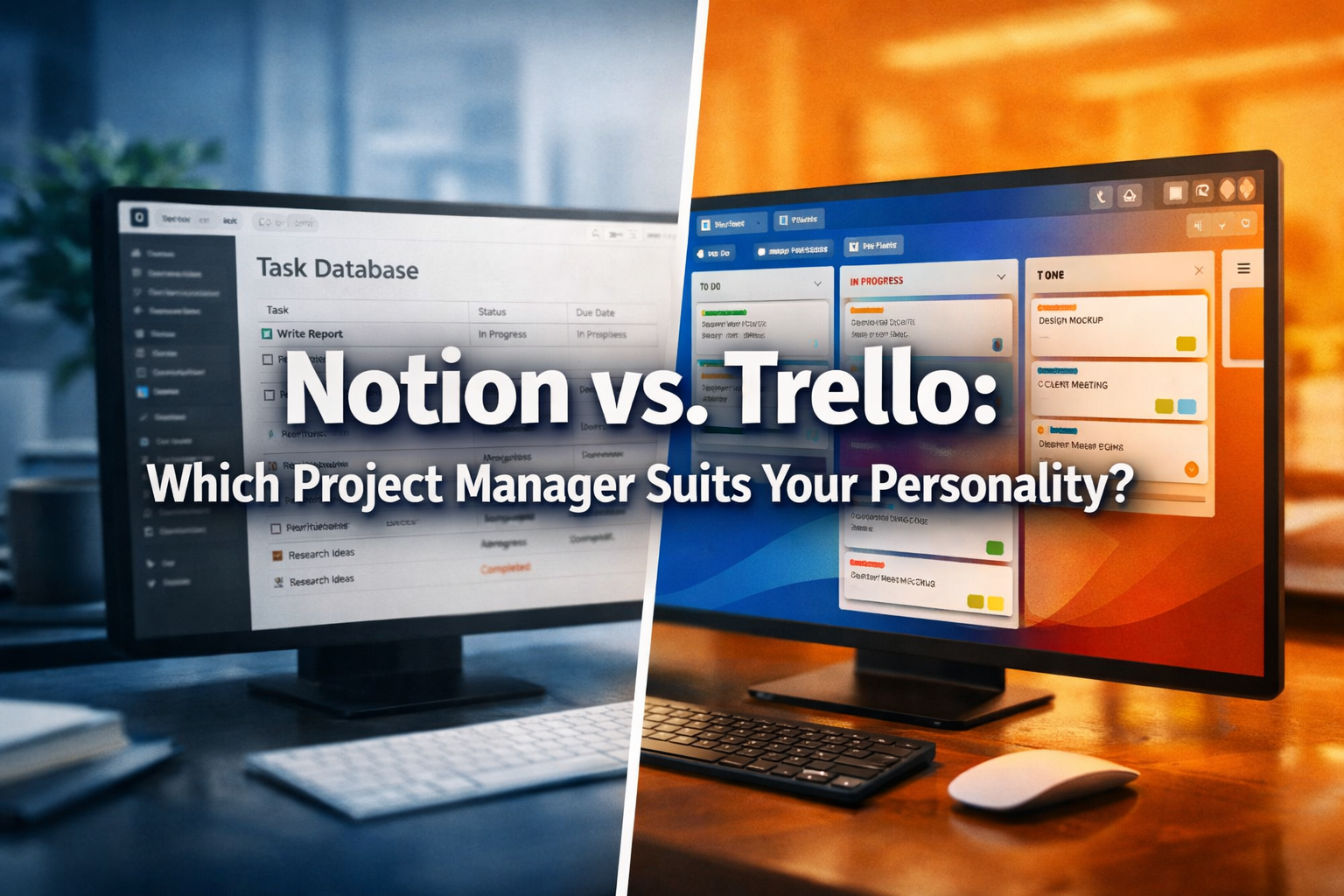

Navigating the vast ocean of project management tools can often feel like choosing between two powerful ships, each designed for a different kind of journey. When it comes to managing tasks, projects, and even personal workflows, two names frequently surface at the top: Notion and Trello. But which one truly aligns with your unique approach to productivity and organization? This article delves deep into Notion vs. Trello: Which Project Manager Suits Your Personality? by exploring how visual thinkers might gravitate towards Trello's intuitive cards, while structured thinkers could find their haven in Notion's versatile databases. Understanding the core philosophies of these platforms is key to unlocking your most efficient self in 2026.
Key Takeaways
- Trello for Visual Thinkers: Ideal for those who thrive with clear, card-based task boards, offering quick overviews and drag-and-drop simplicity.
- Notion for Structured Thinkers: Best for individuals or teams needing highly customizable databases, interconnected pages, and a unified workspace for diverse information.
- Learning Curve Differences: Trello boasts a much faster onboarding process, while Notion requires more initial setup and learning but offers unparalleled flexibility.
- Scalability and Complexity: Trello excels for straightforward projects, whereas Notion handles complex, interlinked projects and knowledge management with greater finesse.
- Personalization is Key: The ultimate choice hinges on your preferred method of organizing information, your project's complexity, and your willingness to invest time in setup.
Setting up a Trello Board for Weekly Tasks
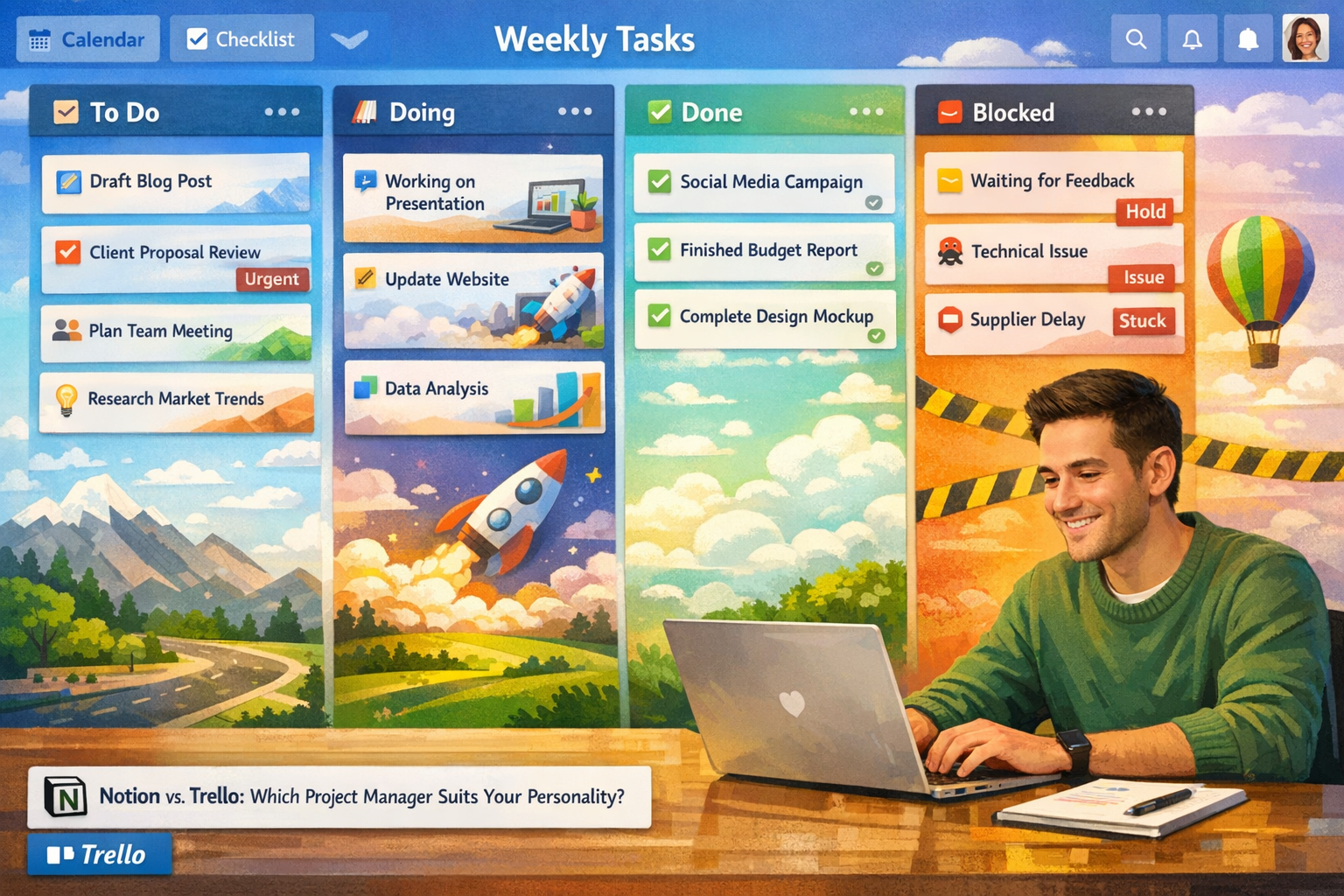
For those who lean towards visual organization and appreciate a straightforward, intuitive approach to task management, Trello often feels like a breath of fresh air. Imagine a digital whiteboard filled with sticky notes, where each note represents a task and can be moved around with ease. This is the essence of Trello, built upon the Kanban methodology – a system originally developed by Toyota for visualizing workflow.
A typical Trello board for weekly tasks might be structured with three primary lists: "To Do," "Doing," and "Done." This simple, yet incredibly effective, setup provides an immediate visual representation of your progress. Each task becomes a "card" within a list. A card isn't just a label; it's a miniature workspace. You can click on a card to add details, attach files, set due dates, assign team members, and even create checklists.
For example, a weekly task board for a content creator in 2026 might look like this:
| List Name | Example Cards | Key Features Used |
|---|---|---|
| To Do | 🖊️ Draft Blog Post: "Notion vs. Trello: Which Project Manager Suits Your Personality?" | Due Date, Labels, Checklist |
| 💡 Brainstorm Social Media Campaign for Q3 | Attachments, Members | |
| 📧 Respond to Client Inquiries | Comments, Due Date | |
| Doing | ✍️ Edit "Project Management Tools" Article | Due Date, Members, Checklist |
| 📊 Analyze Website Traffic for Last Month | Attachments (reports) | |
| Done | ✅ Published "SEO Best Practices for 2026" | Archive Card |
| 📞 Client Call with Viral Media Updates on new partnership Learn more about how organizations are growing their global reach | Comments |
The beauty of Trello lies in its drag-and-drop functionality. As you progress with a task, you simply drag its card from "To Do" to "Doing," and eventually to "Done." This tactile interaction provides a satisfying sense of accomplishment and keeps your workflow transparent. Team members can instantly see what everyone is working on, reducing bottlenecks and fostering collaboration.
"Trello's visual nature makes it incredibly accessible for teams who need to quickly grasp project status without getting bogged down in complex hierarchies."
Beyond the basic lists, Trello offers "Power-Ups," which are integrations with other apps and features that extend its capabilities. For instance, you could add a Calendar Power-Up to view all your card due dates in a calendar format, or integrate with Slack for real-time notifications. This allows for a degree of customization, enabling users to tailor their boards to specific needs without overwhelming them with options. For individuals exploring international opportunities, managing the visa application process can be streamlined using such tools. For example, keeping track of required documents for 62,000 Caregiver Jobs in Canada with Visa Sponsorship could be a great use case.
Trello is particularly well-suited for:
- Small to medium-sized teams: Where clear visibility of tasks is paramount.
- Agile project management: Implementing Scrum or Kanban methodologies.
- Event planning: Organizing various components like venue, catering, and marketing.
- Content calendars: Tracking article ideas, drafts, and publication dates.
- Personal task management: Keeping track of errands, hobbies, and goals.
The simplicity means less time spent learning the tool and more time spent actually doing the work. For many, this makes the question of Notion vs. Trello: Which Project Manager Suits Your Personality? an easy one, with Trello being the clear winner for immediate, visual task management.
Building a Notion Dashboard for Long-term Goals
For individuals or teams who require a deeply customizable, interconnected, and versatile workspace, Notion emerges as a powerhouse. Where Trello excels in visual task flow, Notion thrives as an all-in-one digital workspace that can house everything from project plans and wikis to personal notes and CRMs. It caters to the "structured thinker" – someone who appreciates having a single source of truth for all their information, meticulously organized and interlinked.
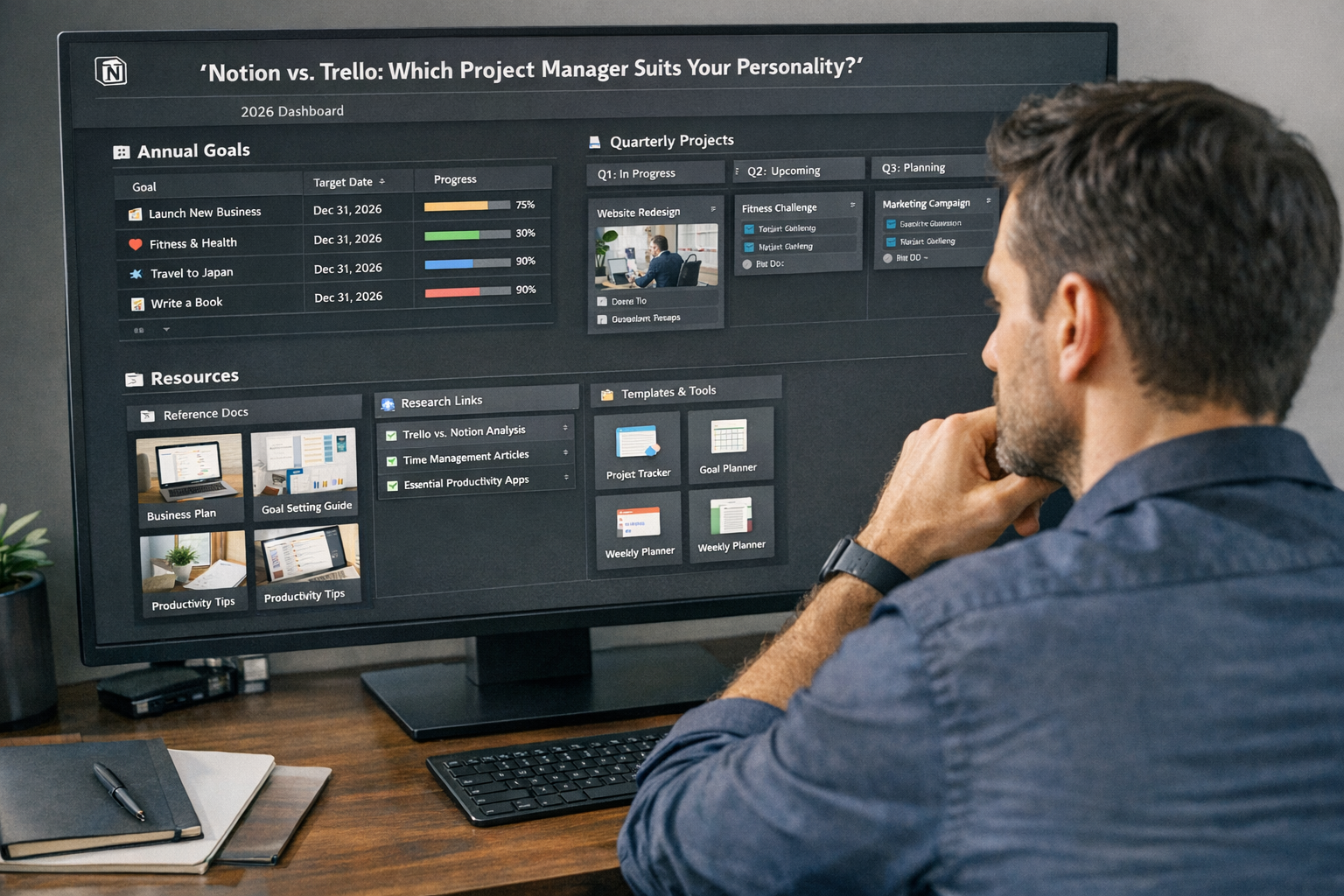
Building a Notion dashboard for long-term goals is less about moving cards and more about designing a system. It starts with creating pages and databases that serve as the foundation of your organizational structure. Imagine a digital binder where each section isn't just a list of items, but a dynamic database that can be viewed in multiple ways (table, calendar, gallery, Kanban board) and connected to other relevant pages.
Consider a comprehensive long-term goal dashboard for a startup founder in 2026, encompassing business development, hiring, and product roadmap:
-
Home Page (Dashboard):
- Quick Links: To key areas like "Project Hub," "Team Directory," "Meeting Notes."
- Current Focus: A linked database view showing critical tasks due this week.
- Weekly Reflection: A simple text block for journaling progress and insights.
- High-Level Goal Tracker: A linked database displaying annual goals with status updates and progress bars.
-
Goals Database:
- Properties: Goal Name, Status (Not Started, In Progress, Achieved, Blocked), Target Date, Key Results (KR), Area (e.g., Marketing, Product, Finance).
- Views:
- Table View: For detailed data entry and sorting.
- Board View: To visualize goal progress (similar to Trello's Kanban).
- Calendar View: To see target dates.
-
Projects Database:
- Properties: Project Name, Status, Start Date, End Date, Owner, Related Goal (linked to Goals Database), Tasks (linked to Tasks Database).
- Views:
- Gallery View: Visually appealing cards for each project.
- Timeline View: For Gantt-chart style project planning.
-
Tasks Database:
- Properties: Task Name, Due Date, Status, Priority, Assigned To, Related Project (linked to Projects Database).
- Views:
- My Tasks: Filtered by current user.
- All Tasks (Table): For an overview.
The power of Notion lies in these interconnected databases. For instance, clicking on a project in the "Projects Database" could open a dedicated page for that project, displaying all related tasks from the "Tasks Database" automatically. It’s like having an infinitely flexible wiki, CRM, project manager, and note-taking app all rolled into one. Teams managing complex international recruitments, such as those seeking to fill 49,000 Caregiver Jobs with Visa Sponsorship in the UK, could build an incredibly detailed system for tracking applicants, interviews, and visa statuses.
"Notion transforms scattered information into a cohesive, searchable, and deeply personalizable knowledge hub, making it indispensable for strategic planning and holistic organizational management."
Customization is at the heart of Notion. Users can create their own templates, use a vast library of community-shared templates, and embed almost any type of content – from YouTube videos and Google Docs to code snippets and design files. This level of flexibility allows for the creation of highly specialized workflows. For someone looking to manage academic pursuits, for example, a Notion dashboard could track applications for 60,000 STEM Scholarships in the USA 2026, including deadlines, requirements, and essay drafts.
Notion is particularly advantageous for:
- Knowledge management: Creating wikis, documentation, and internal databases.
- Complex project planning: Managing multi-stage projects with dependencies.
- Personal growth and learning: Building second brains, habit trackers, and study planners.
- Startups and small businesses: Consolidating various operational tools into one.
- Content creation workflows: From brainstorming to publication across multiple platforms.
When considering Notion vs. Trello: Which Project Manager Suits Your Personality?, Notion appeals to those who are willing to invest time in building a robust system that can evolve with their needs, offering unparalleled control and integration of information.
The Learning Curve: Which is faster to start?
The initial experience of adopting a new software tool can often be a deciding factor for individuals and teams, especially when time is a precious commodity. Understanding the learning curve for both Notion and Trello is crucial in determining which project manager suits your personality, particularly if you prioritize quick setup versus long-term flexibility.
Trello: The Sprint Start 🚀
Trello is renowned for its incredibly gentle learning curve. Most users can create their first board, add lists, and start populating cards with tasks within minutes of signing up. Its interface is highly intuitive, mimicking the familiar physical Kanban board.
- Visual Simplicity: The core concept of boards, lists, and cards is easy to grasp. The drag-and-drop functionality makes interaction feel natural.
- Minimal Features Out-of-the-Box: While Power-Ups exist, the basic Trello experience is streamlined. This means fewer menus, fewer settings, and less initial cognitive load.
- Immediate Productivity: Users can typically jump straight into managing tasks without extensive tutorials or setup guides. This is ideal for urgent projects or teams needing to get started without delay.
- Collaborative Ease: Inviting team members and assigning tasks is straightforward, allowing for quick team adoption.
For someone who needs to organize a simple project or personal tasks right now, Trello is almost always the faster option. It's like picking up a pen and paper – you know exactly what to do. If you're a student looking to manage your application process for 25,000 Undergraduate Scholarships in Australia, setting up a quick Trello board to track deadlines and required documents would be remarkably fast.
Notion: The Marathon Build 🏗️
Notion, in contrast, presents a steeper initial learning curve. Its power comes from its flexibility and interconnectedness, but this also means there's more to learn and configure from the outset.
- Concept Over Interface: Notion isn't just an app; it's a blank canvas. Understanding concepts like blocks, pages, databases, and relations is fundamental.
- Setup Time Required: While templates can help, truly customizing Notion to fit specific workflows demands a time investment. Building robust dashboards and interconnected systems takes planning and experimentation.
- Feature Richness: The sheer number of features, block types, and database views can initially feel overwhelming. Users might spend more time exploring possibilities than actively working.
- Long-Term Reward: The payoff for this initial investment is a deeply personalizable and powerful workspace that can replace multiple other tools. It's about building your own digital operating system.
"Choosing between Trello's immediate usability and Notion's deep customization often reflects whether you prefer a ready-made solution or enjoy building your own."
While the learning curve for Notion is higher, numerous resources exist to help new users. Official Notion guides, community forums, YouTube tutorials, and a vast library of templates can significantly ease the onboarding process. For professionals considering a career change or relocation, learning Notion could be a valuable skill for managing complex personal projects, such as tracking applications for 70,000 Urgent Construction Jobs in Australia with Free Visa Sponsorship or planning the logistics of an international move.
Summary of Learning Curve:
| Feature | Trello | Notion |
|---|---|---|
| Initial Setup | Very fast, intuitive, minimal configuration | Requires more setup, planning, and understanding |
| Core Concepts | Boards, lists, cards (easy to grasp) | Pages, blocks, databases, relations (more abstract) |
| Time to Mastery | Quick mastery for basic use cases | Significant time investment for advanced customization |
| Flexibility | Good for specific use cases (Kanban) | Highly flexible, adaptable to almost any workflow |
| Ideal User | Needs to start quickly, visual thinkers | Enjoys building systems, structured thinkers |
Ultimately, the choice comes down to your personality and immediate needs. If you're someone who likes to hit the ground running and prefers simplicity, Trello will likely feel more comfortable. If you enjoy the process of building and customizing a comprehensive system that can evolve with your needs, and you're willing to invest the time upfront, Notion offers unparalleled power in 2026. The question of Notion vs. Trello: Which Project Manager Suits Your Personality? often boils down to your patience for setup versus your desire for deep control.
Conclusion: Don't spend more time organising than working.
The journey to find the perfect project management tool, be it Notion or Trello, ultimately culminates in a single, critical principle: the tool should serve your productivity, not detract from it. The goal is to facilitate work, not to become another task in itself. In 2026, with countless digital distractions and an ever-increasing demand for efficiency, choosing the right platform becomes more important than ever.
For the visual, 'get-it-done' personality, Trello offers immediate gratification and clarity. Its Kanban board structure provides an intuitive, glanceable overview of tasks and progress. It’s excellent for individuals and teams who benefit from simple, clear visual cues and a minimal learning curve. If your projects are relatively straightforward, and you value speed and ease of use above deep customization, Trello is likely your champion. It’s about flowing with your tasks, moving them from one stage to the next with satisfying ease.
Conversely, for the structured, 'build-a-system' personality, Notion unlocks a world of integrated possibilities. It's a highly powerful, adaptable workspace that allows you to construct a bespoke environment for all your information, from intricate project plans and knowledge bases to personal goals and CRM systems. While it demands an initial investment of time and effort to configure, the reward is an unparalleled level of control and the ability to connect disparate pieces of information into a cohesive whole. If you thrive on organization, detailed planning, and having all your resources centralized, Notion offers the ultimate canvas for your digital operations.
Actionable Next Steps:
-
Assess Your Personality & Needs:
- Are you a visual thinker who prefers simplicity and quick setup? Trello might be your match.
- Are you a structured thinker who enjoys building comprehensive systems and values deep customization? Notion could be the ideal fit.
- Consider the complexity of your typical projects and the level of detail you require.
-
Trial Both Platforms: Both Notion and Trello offer free tiers that allow you to explore their core functionalities. Spend a week or two actively using each for a small project or personal task list. This hands-on experience is invaluable.
-
Involve Your Team (If Applicable): If you're choosing for a team, involve them in the trial phase. Gather feedback on ease of use, collaboration features, and overall workflow satisfaction. A tool is only effective if everyone on the team adopts it.
-
Consider Future Scalability: Think about your long-term goals. Will your project management needs grow in complexity? Notion generally offers more robust scalability for integrated workflows, while Trello remains excellent for scaling Kanban-style task management.
-
Don't Over-Organize: Remember the core principle: don't spend more time organizing than working. The best tool is the one that empowers you to be productive, reduces friction, and allows you to focus on achieving your goals. Whether it's the elegant simplicity of Trello or the expansive power of Notion, choose the one that resonates most with your working style and helps you move forward efficiently in 2026.