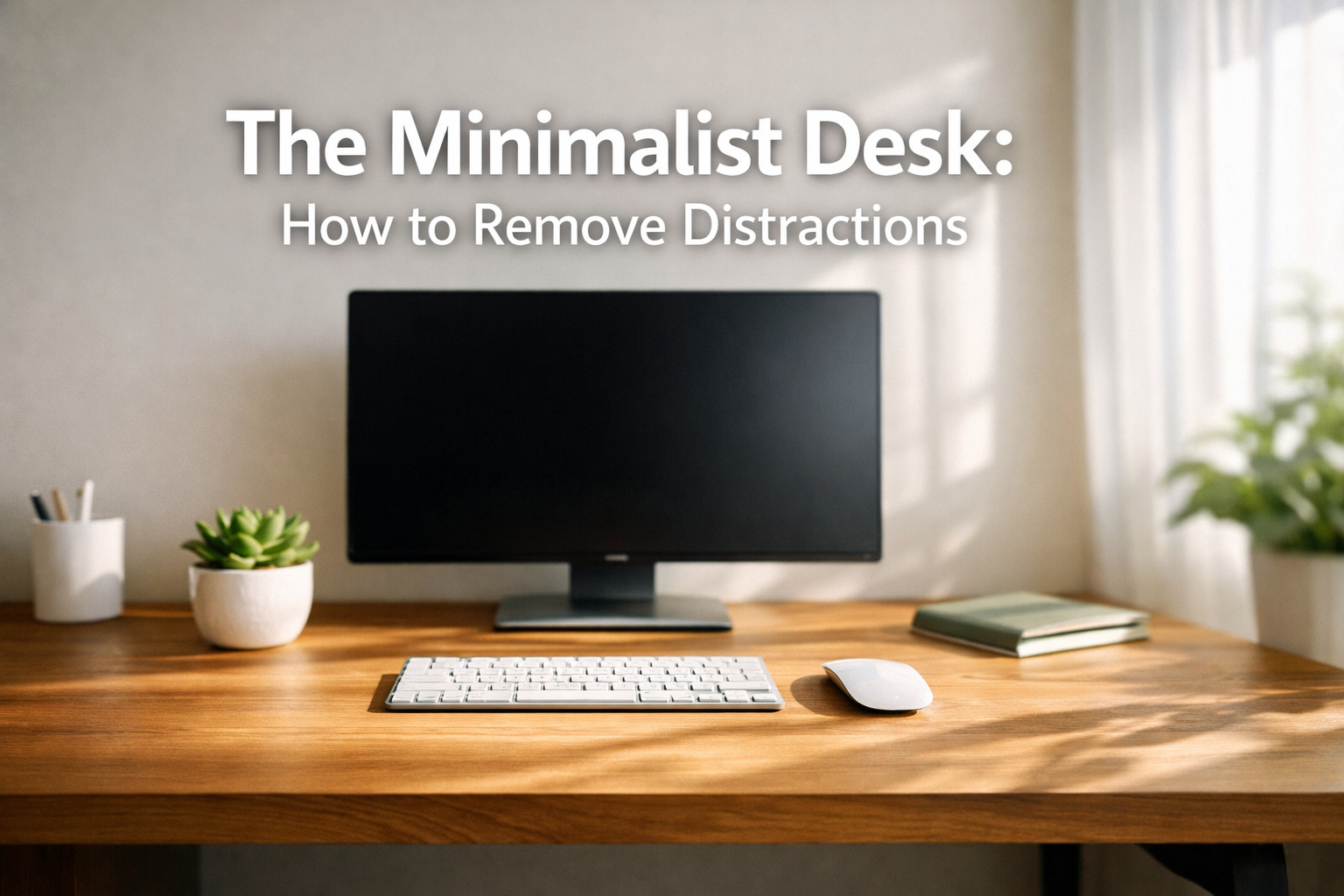

Picture this: You sit down to tackle an important project, but within minutes, your eyes drift to the stack of papers, the collection of pens, the tangled cables, and the dozen desktop icons screaming for attention. Your workspace has become a battlefield of distractions, and your productivity is the casualty. The Minimalist Desk: How to Remove Distractions isn't just about aesthetics—it's a strategic approach to creating an environment where deep work thrives and mental clarity becomes your default state.
In 2026, as remote work and hybrid arrangements continue to dominate professional landscapes, the need for an optimized workspace has never been more critical. Research consistently shows that visual clutter directly impacts cognitive function, reducing our ability to process information and make decisions effectively. The solution? A minimalist approach that strips away everything except what truly serves your productivity.
Key Takeaways
- 📊 Visual clutter reduces focus by up to 40%, making workspace organization essential for productivity
- 🖥️ The one-monitor rule eliminates multitasking temptations and creates a singular focus point for deep work
- 📦 Hidden storage solutions maintain clean surfaces while keeping necessary supplies within reach
- 💻 Digital desktop organization is equally important as physical desk cleanliness for mental clarity
- ✅ A minimalist desk setup reduces decision fatigue and creates an environment optimized for sustained concentration
The "One Monitor" Rule
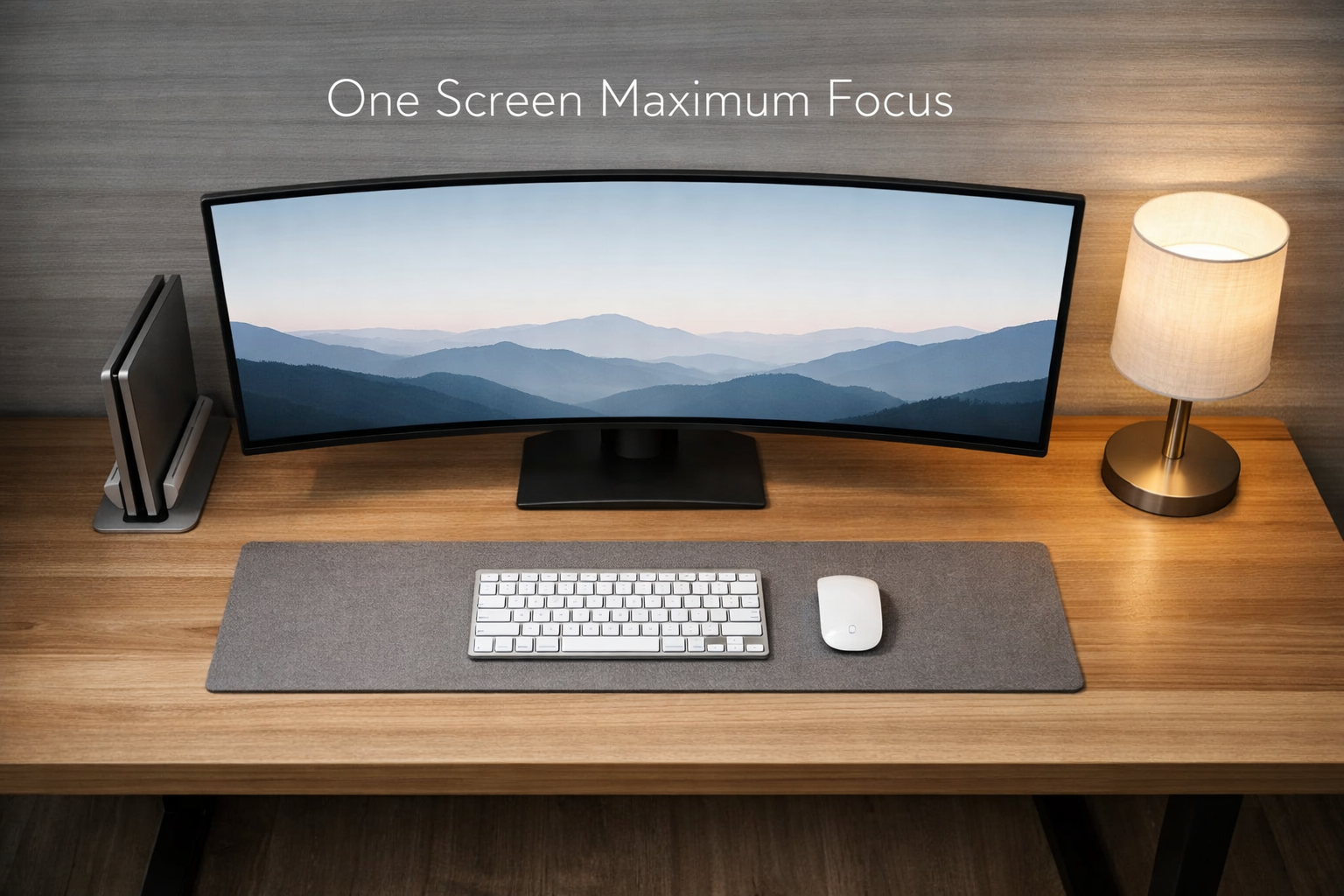
The cornerstone of The Minimalist Desk: How to Remove Distractions begins with a controversial but powerful principle: limit yourself to one monitor. While dual or triple monitor setups have become status symbols in many offices, research from the University of Utah found that while multiple monitors can increase speed for certain tasks, they also dramatically increase distraction and reduce the quality of focused work.
Why Multiple Monitors Sabotage Focus
When multiple screens compete for attention, the brain constantly makes micro-decisions about where to direct focus. This continuous cognitive switching drains mental energy that could be devoted to actual work. Each additional monitor represents another potential distraction—email notifications on one screen, chat applications on another, and reference materials on a third create a fragmented attention landscape.
The benefits of a single monitor include:
- Forced prioritization of tasks
- Reduced eye strain from constant screen-switching
- Lower energy consumption and desk space requirements
- Enhanced ability to enter flow states
- Simplified cable management
Implementing the One Monitor Strategy
For professionals accustomed to multiple displays, transitioning to a single screen requires strategic adjustments. Virtual desktops have become sophisticated enough in 2026 to replicate much of the functionality of physical multiple monitors. Both Windows and macOS offer robust virtual desktop features that allow quick switching between different workspace configurations.
Consider investing in a high-quality ultrawide monitor (34 inches or larger) that provides ample screen real estate while maintaining the single-focus principle. These displays can be divided into zones using window management software, giving you organizational flexibility without the distraction multiplication of separate screens.
"The quality of your attention determines the quality of your work. One screen means one focus, and one focus means exceptional results." — Cal Newport, productivity researcher
For tasks genuinely requiring reference materials while working, utilize split-screen functionality or keep a tablet nearby for occasional reference checks. The key difference is intentionality—accessing reference material becomes a deliberate action rather than a passive distraction constantly visible in peripheral vision.
Many professionals pursuing advanced education opportunities or specialized career transitions have discovered that simplified workspaces dramatically improve their ability to balance work, study, and personal development.
Hidden Storage Solutions for Stationery
The second pillar of The Minimalist Desk: How to Remove Distractions addresses the physical clutter that accumulates on work surfaces. Every visible item on your desk represents a micro-decision your brain must process, even subconsciously. The solution isn't eliminating necessary supplies—it's making them invisible until needed.
Strategic Storage Architecture
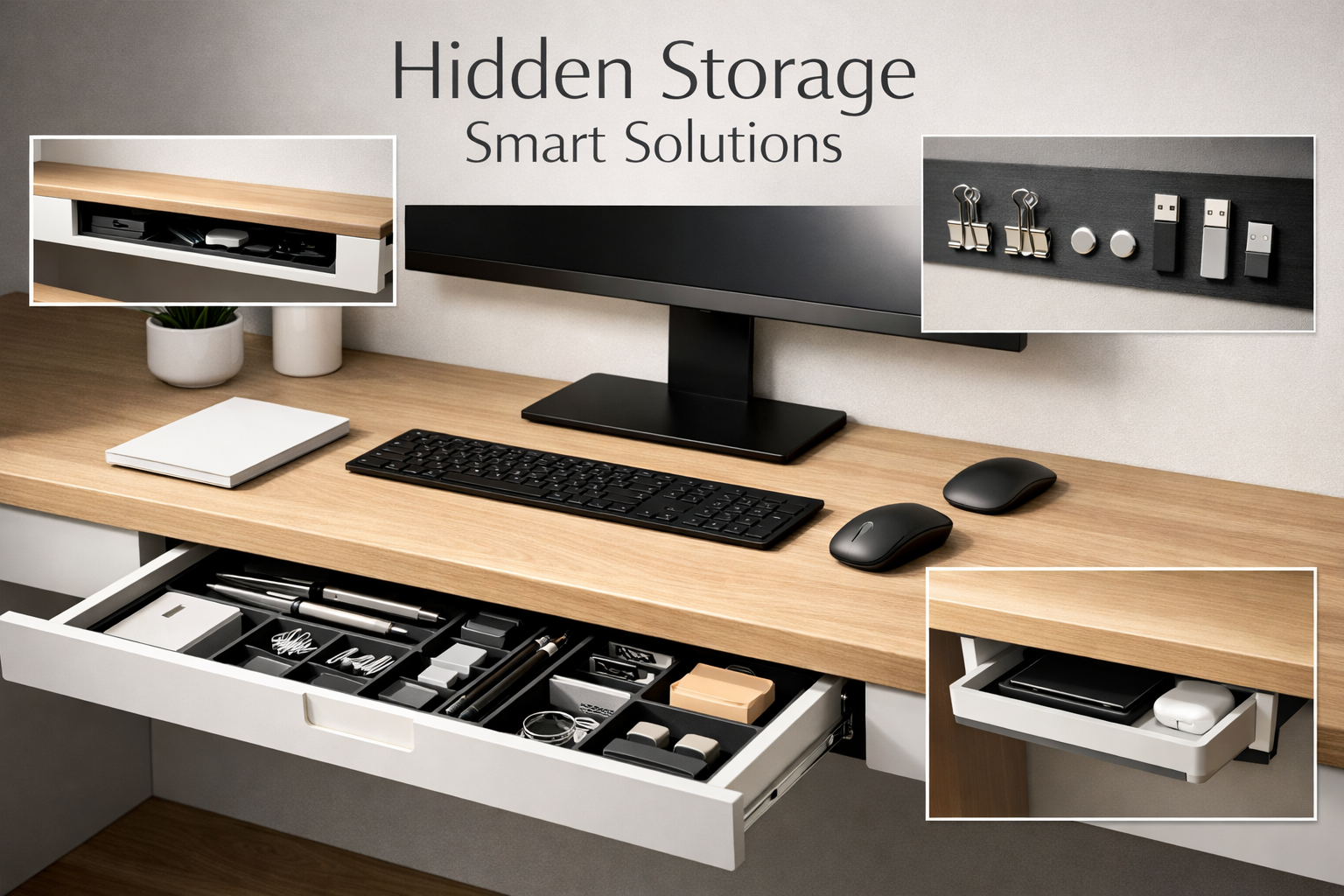
Drawer organizers transform chaotic storage spaces into efficient systems. Invest in modular drawer dividers that create dedicated spaces for specific items:
| Storage Zone | Items | Access Frequency |
|---|---|---|
| Primary Zone | Pens (2-3), notepad, sticky notes | Daily |
| Secondary Zone | Staplers, tape, scissors, clips | Weekly |
| Archive Zone | Extra supplies, specialty items | Monthly |
| Cable Zone | Chargers, adapters, USB drives | As needed |
This tiered approach ensures frequently used items remain accessible while keeping surfaces clear. Vertical storage solutions maximize space efficiency—consider wall-mounted magnetic strips for small metal items, pegboards for tools and accessories, or floating shelves positioned just above desk height.
The "One In, One Out" Rule
Maintaining a minimalist desk requires ongoing discipline. Implement the one in, one out principle: whenever a new item enters your workspace, an existing item must be removed, donated, or relocated. This prevents the gradual accumulation that transforms organized spaces into cluttered ones.
Desktop essentials should be limited to:
- ✅ Current project materials only
- ✅ One writing instrument
- ✅ One beverage
- ✅ Optional: single decorative item for psychological comfort
Everything else belongs in designated storage. This might seem extreme, but professionals who have adopted this approach consistently report dramatic improvements in focus and work satisfaction.
Concealed Technology Solutions
Cable management represents one of the most overlooked aspects of workspace organization. Tangled cables create visual noise that subconsciously signals chaos to your brain. Under-desk cable trays, adhesive cable clips, and cable sleeves transform messy wire tangles into organized, invisible infrastructure.
Consider wireless alternatives where practical—Bluetooth keyboards, mice, and headphones eliminate multiple cable connections. For necessary wired connections, cable channels that attach to desk undersides or walls route wires out of sight while maintaining accessibility.
For those managing international career transitions, such as exploring opportunities in specialized fields or pursuing education abroad, maintaining an organized workspace becomes even more critical when juggling applications, documentation, and research.
Digital Clutter: Clearing the Desktop Icons
The Minimalist Desk: How to Remove Distractions extends beyond physical space into the digital realm. Your computer desktop is virtual real estate that either supports or sabotages your productivity. In 2026, the average knowledge worker's desktop contains 47 icons, creating a digital environment as cluttered as a messy physical desk.
The Psychology of Digital Mess
Each desktop icon represents an open loop in your cognitive system—an unfinished task, a file awaiting organization, or a program tempting you toward distraction. This digital clutter triggers the same stress response as physical disorder, elevating cortisol levels and reducing cognitive performance.
The zero-icon desktop philosophy has gained traction among productivity experts for good reason. A clean desktop wallpaper—ideally a calming image or solid color—provides a visual reset each time you minimize windows or start your workday.
Implementing Digital Minimalism
Create a systematic folder structure that eliminates the need for desktop storage:
- Projects Folder: Active work organized by client, subject, or deadline
- Archive Folder: Completed work sorted by year and category
- Resources Folder: Reference materials, templates, and tools
- Inbox Folder: Temporary landing zone for new files (cleared weekly)
Set up automated organization rules using tools like Hazel (macOS) or File Juggler (Windows) that automatically sort downloads and new files into appropriate folders based on file type, name patterns, or other criteria. This prevents the desktop from becoming a dumping ground for incoming files.
Application Management Strategies
Limit your dock or taskbar to essential applications only—typically 5-7 programs you use daily. Everything else should be accessed through spotlight search (macOS), Windows search, or application launchers like Alfred or Wox. This reduces visual clutter while actually improving access speed through keyboard-driven navigation.
Notification management represents another critical component of digital minimalism. Disable all non-essential notifications, consolidate remaining alerts to specific times, and use focus modes (available in both Windows and macOS) that automatically silence distractions during designated work periods.
Browser tab management deserves special attention. Tab proliferation creates mental overhead similar to desktop icons. Implement these strategies:
- 🔹 Use session managers to save and close tab groups
- 🔹 Bookmark important pages instead of keeping tabs open
- 🔹 Set browser to open with blank page (not previous session)
- 🔹 Install tab limiters that force closure after reaching set numbers
For professionals managing complex transitions—whether relocating for career opportunities or pursuing specialized certifications—digital organization becomes essential for tracking multiple application processes, deadlines, and requirements without becoming overwhelmed.
Cloud Storage and Synchronization
Embrace cloud-first workflows that eliminate local file clutter entirely. Services like Dropbox, Google Drive, or OneDrive allow you to work with files without downloading them to your desktop. This approach provides automatic backup, cross-device access, and eliminates the "which version is current?" confusion that plagues desktop-based workflows.
Configure your cloud storage to selective sync only essential folders to local devices, keeping your hard drive and desktop clear while maintaining access to your complete file ecosystem when needed.
Advanced Minimalist Desk Strategies
The Daily Reset Ritual
Implement a five-minute end-of-day routine that resets your workspace to zero:
- Return all items to designated storage locations
- Wipe down desk surface
- Organize tomorrow's single project materials
- Close all applications and browser tabs
- Shut down computer completely
This ritual creates psychological closure on the workday while ensuring each morning begins with a clean slate. The compounding effect of this daily practice prevents the gradual entropy that transforms organized spaces into chaotic ones.
Seasonal Deep Cleaning
Quarterly workspace audits identify accumulation before it becomes overwhelming. During these sessions:
- 📋 Evaluate whether each stored item still serves a purpose
- 📋 Update organizational systems based on evolved workflows
- 📋 Deep clean physical surfaces and equipment
- 📋 Review and archive digital files older than 90 days
- 📋 Assess whether current setup still supports productivity goals
The Minimalist Mindset
The Minimalist Desk: How to Remove Distractions ultimately represents more than organizational tactics—it's a philosophical approach to work and attention. Each item permitted in your workspace should pass a rigorous test: Does this directly support my most important work? If the answer is anything less than an enthusiastic yes, it doesn't belong.
This mindset extends to digital tools as well. The average professional uses only 10% of software features they have access to, yet maintains subscriptions to dozens of services "just in case." Ruthlessly eliminate redundant tools, consolidate functionality, and embrace simplicity over feature bloat.
For individuals navigating major life transitions—whether exploring international work opportunities or pursuing educational advancement—a minimalist workspace provides an anchor of calm and control amid uncertainty and change.
Measuring Success
Track the impact of your minimalist desk implementation through both objective and subjective metrics:
Objective Measures:
- Time to locate needed items (should approach zero)
- Number of desktop icons (target: 0-3)
- Daily distraction count (track interruptions)
- Deep work hours achieved per day
Subjective Measures:
- Stress levels when approaching workspace
- Ease of transitioning into focused work
- Mental clarity during work sessions
- Overall satisfaction with work environment
Conclusion: A Clean Desk Equals a Clear Mind
The Minimalist Desk: How to Remove Distractions represents far more than aesthetic preference—it's a strategic intervention in the war for attention that defines modern knowledge work. By implementing the one-monitor rule, establishing hidden storage systems, and eliminating digital clutter, professionals create environments where focus becomes the default rather than the exception.
The evidence is compelling: workspaces directly influence cognitive performance, stress levels, and work quality. Every item removed from your desk represents one less decision your brain must process, one less potential distraction competing for attention, and one more unit of mental energy available for meaningful work.
Your Next Steps
Transforming your workspace doesn't require a complete overhaul overnight. Instead, implement these changes systematically:
Week 1: Physical Audit
- Remove everything from your desk
- Clean thoroughly
- Return only absolute essentials
- Establish storage systems for removed items
Week 2: Digital Cleanup
- Clear desktop icons completely
- Implement folder structure
- Configure automated organization
- Disable non-essential notifications
Week 3: Monitor Optimization
- Commit to single-monitor workflow
- Configure virtual desktops
- Establish window management system
- Remove secondary displays (if applicable)
Week 4: Habit Formation
- Implement daily reset ritual
- Track focus and productivity metrics
- Refine systems based on actual usage
- Schedule quarterly review
The investment of time and effort required to create a minimalist workspace pays exponential dividends in improved focus, reduced stress, and enhanced work quality. In 2026's increasingly distracted world, the ability to maintain sustained attention on meaningful work represents a genuine competitive advantage.
Your desk is more than furniture—it's the physical manifestation of your relationship with work. A cluttered desk signals to your brain that chaos is acceptable, that distraction is normal, that scattered attention is inevitable. A minimalist desk makes the opposite statement: focus is valued, clarity is prioritized, and meaningful work deserves an environment designed to support it.
Start today. Remove one unnecessary item from your desk. Close one browser tab. Delete one desktop icon. These small actions compound into transformational change, creating a workspace—and a work life—characterized by clarity, purpose, and exceptional results.